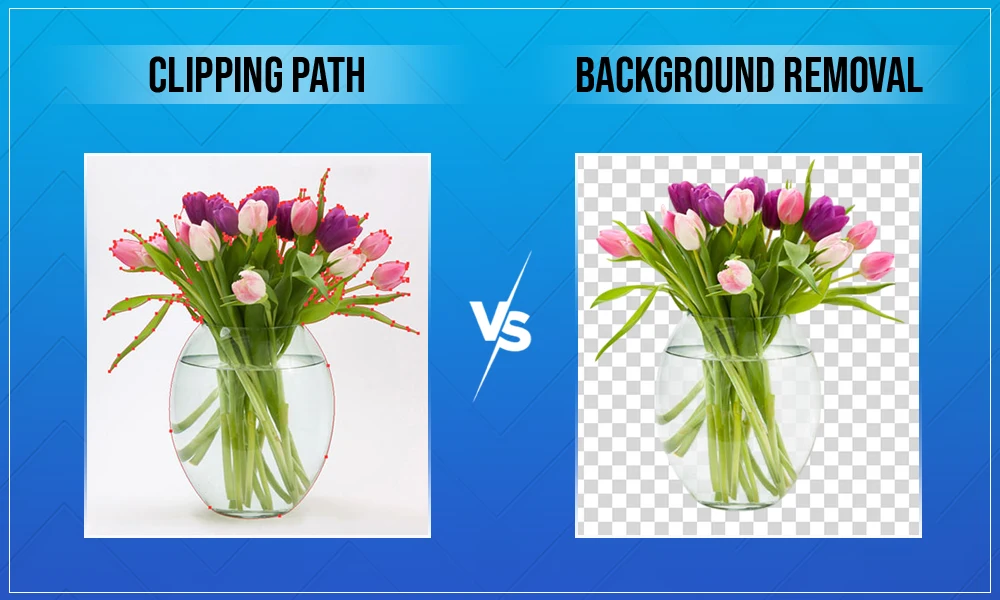
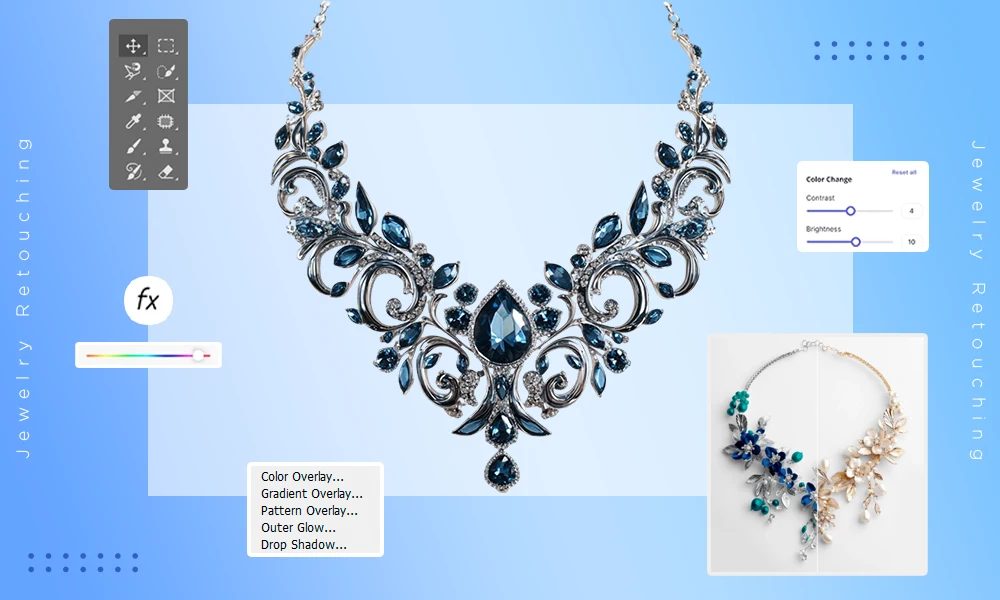
Raster graphic software is a vital tool when working with pixel-based images used in photography, digital design, and content creation. These tools provide users with a variety of options for working with pixel-based images.
Unlike vector-based images that are created using mathematical paths, raster images are made up of individual, discrete pixels. This means that raster images are ideal for precise and detailed editing and creating photo-realistic images.
There are numerous applications for raster-based software including photo retouching, creating digital artwork, and preparing images to meet different image file format specifications. In addition to this, raster graphic software can often be used to convert images from pixel-based images into scalable vector formats which adds more flexibility in the design process.
What Is Raster Graphics Software?
Raster graphics applications enable the creation and alteration of images composed of pixels. The pixels contain information regarding colors (or tone), and all the assembled color information (pixel) make up an image (pictorial representation). Some salient features of Raster graphics software include:
- A Pixel based image creation
- Ideal for images that may be taken in photographic format or photography, but require pixel based specifications
- Multiple image file formats (JPG, PNG, TIFF, PSD…) can be used
- Uses advanced techniques for editing images and photographs, which include color correction, retouching, and Applying a variety of effects
The role of Raster-based software is important where the desired output requires a great deal of realism and detail.
Some examples of how this application would be used:
- Photo editing and retouching.
- Digital painting/illustration.
- Web graphics creation.
- Social media visuals.
- Print media preparation.
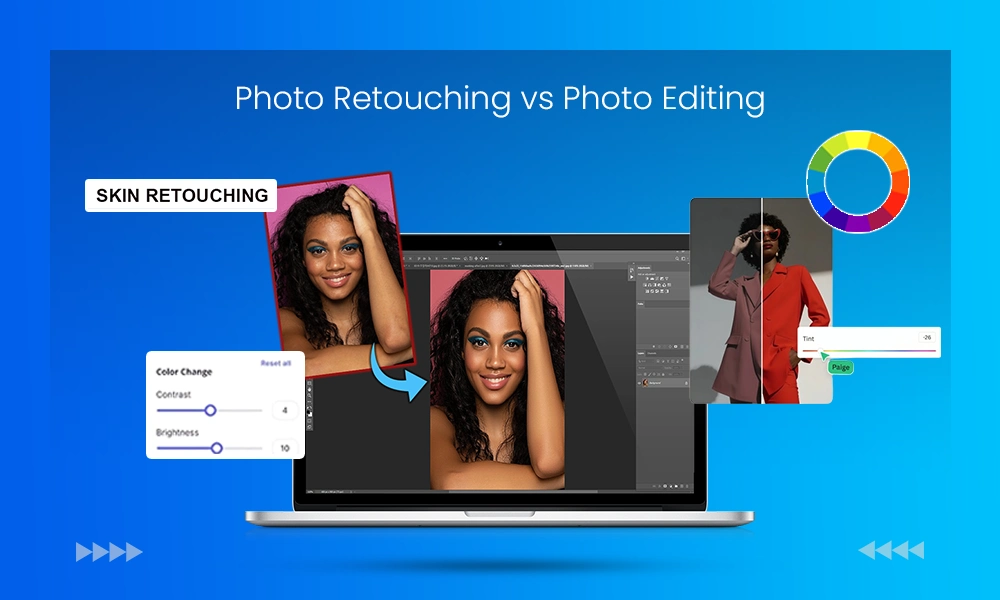
Also read- Photo Retouching vs Photo Editing
Raster Graphics vs Vector Graphics
When deciding what is the right software, it’s important to understand the key differences between raster vs vector graphics:
- Raster graphics: are image files made of pixels, will lose resolution (quality) when resized, are best suited to photographic images, and allow for extensive detailed edits to be made.
- Vector graphics: are image files made from mathematical paths, will not lose resolution (quality) when resized, are best suited to logos and illustrations, and are easily converted in format for scalable results.
Raster graphic software often comes with raster-to-vector conversion tools so you can convert raster image files into a format capable of being resized (scalable).
Key Features to Look for in Raster Graphics Software
When selecting raster software, the features it has that will best serve your workflow should determine your choice.
Some essential features are:
- Image editing features (for example: cropping, resizing and rotating)
- Color correction and brightness adjustment
- Artwork that is layered
- Supports file formats
- Importing and exporting multiple file formats
- Compatible with PNGs, JPGs, TIFFs, BMPs and PSDS
- Supports web and print formats
- Ability to convert raster images into vector formats (like SVG)
- Helpful in redesigning logos and designing scalable
Enables more flexibility in design workflows
Advanced tools, such as filters and effects; brushes used for painting digitally; layer masks and blending modes.
Benefits of Using Raster Graphics Software
For designers and photographers, raster graphics software has many benefits. Some of the major advantages to using this type of program includes:
- Editing in extreme detail
- Photo manipulation
- Pixel-by-pixel editing
- Realistic images
- Wide variety of compatible formats
- All major file types supported
- Simple export to both web & print
- Provides creative freedom.
- Support for digital painting
- Provides further post-production effects/filtering options
- Ability to convert raster images into scalable vector formats
Allows continued use of raster designs as you move from one type/design medium to another.
Popular Raster Graphics Software to Consider
Here are some of the most widely used raster graphics software tools. This includes:
Adobe Photoshop
Adobe Photoshop is the most-used software for editing raster images. Some of its key features include:
- Advanced editing tools
- Layer-based workflow
- Excellent support for conversion between vector and raster formats.
- Compatibility with all major image file formats
Who uses Adobe Photoshop? Professionals such as:
- Photographers
- Graphic designers
Also read: When was Photoshop invented
GIMP (GNU Image Manipulation Program)
GIMP is an open-source raster graphics editor and free to use.
GIMP’s Key Features:
- Advanced Editing Capabilities
- Wide-Ranging Plugin Support
- Multiple Formats Supported
Who is GIMP Best For?
- New users to graphic design
- Users who are on a limited budget
Affinity Photo
Affinity Photo is a professional-level raster graphics software program.
Affinity Photo’s Key Features:
- High-performance editing
- Access to advanced retouching tools
- Wide variety of image formats supported
Who is Affinity Photo Best For?
- Professional design
- Photographers
Corel PHOTO-PAINT
Corel PHOTO-PAINT is included with CorelDRAW’s Graphics Suite.
Corel PHOTO-PAINT’s Key Features:
- Comprehensive Editing Functions
- Integrated Vector Compatible
- Extensive Colour Control
Who is Corel PHOTO-PAINT Best For?
- Graphic Designers
- Creative Professionals
Krita
Krita is an excellent program for creating images from pixel data by digitally painting on canvas.
Krita has a robust set of tools for producing high-quality images and includes:
- An advanced brush engine
- Layer management
- Support for multiple file types
Ideal for:
- Digital Artists
- Illustrators
How Raster Graphics Software Handles Image File Formats
Raster graphic programs support a variety of different file types:
- JPEG: Primary choice for web images.
- PNG: Forms transparent backgrounds.
- TIFF: Ideal for print quality.
- PSD: Working in layer files in Photoshop; only compatible with Adobe products.
- BMP: Non-compressed file type.
The advantages of supporting multiple types of raster images are:
- Compatibility with different software programs.
- Preservation of image quality throughout the publishing process.
- Meeting the different needs of publishers.
Role of Vector Conversion in Raster Software
Modern tools for raster graphics have a significant advantage due to their ability to convert from raster to vector. This capability will increase the ability to create scalable graphics that represent your brand/logo in a way that can be modified by editing tools in vector graphics applications (i.e., Adobe Illustrator).
The two most common vector file formats are SVG, AI and EPS. This conversion capability enables a designer to use different formats when moving back and forth between raster and vector designs.
How to Choose the Right Raster Graphics Software
Your selection of an appropriate program is evaluated by your usage and experience with programs such as:
Skill level
- Beginner – Paint.NET, Pixlr;
- Professional – Photoshop, Affinity Photo
Budget
- Free resources – GIMP and Krita;
- Paid resources – Adobe’s Photoshop and Corel’s PHOTO-PAINT
Required features
- Able to perform Advanced Editing
- Able to convert graphics into vectors
- Able to support various types of file formats.
Conclusion
Raster Graphics Software is necessary for anyone who produces or manipulates photos, graphics or designs digitally. It provides extensive options for correcting and making adjustments to an image on a pixel-by-pixel basis.
It also allows for multiple file type and file format compatibility; plus it permits vector to raster conversion and vice versa. Whether you are just starting out in the field, or are an advanced user, finding appropriate raster graphics software can enhance your productivity as well as your overall creativity.
FAQ Section
1. What is raster graphics software used for?
Ans: Raster graphics software is used for editing pixel-based images, photo retouching, digital painting, and supporting multiple image file format types.
2. What is vector conversion in raster graphics software?
Ans: Vector conversion converts pixel-based images into scalable vector formats like SVG, allowing resizing without losing quality.
3. Which image file format is best for raster graphics?
Ans: PNG and TIFF provide high quality, while JPG is best for web use due to smaller file size.
4. What is the best raster graphics software for beginners?
Ans: GIMP, Paint.NET, and Pixlr are beginner-friendly raster graphics software options with essential editing tools and format support.