Basic Clipping Path
from
$0.25
/ Per Image
- Straight & simple edges
- Books, boxes, screens
- High-volume ready
- Bulk discount
- 24/7 support


 Clipping Path
Visuals Clipping provides professional clipping path service with simple products to super-complex machinery. All paths are manually drawn in Adobe Photoshop with Pen Tool – no AI auto-selection or batch automation. The images are cutouts, accurate to the pixel, at $0.25 per image.
 500+ clients served
 1 million+ images edited
 3-hour rush delivery
 Starts from $0.25
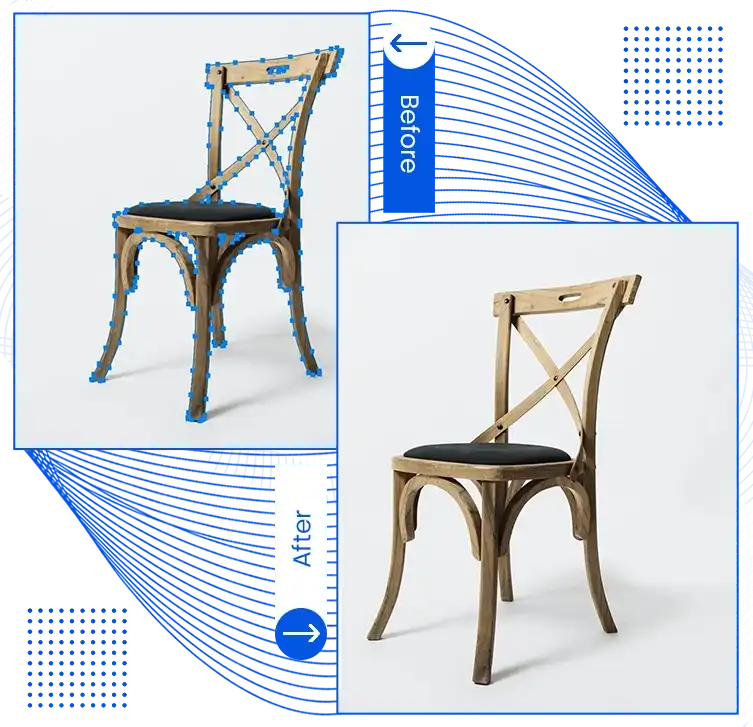
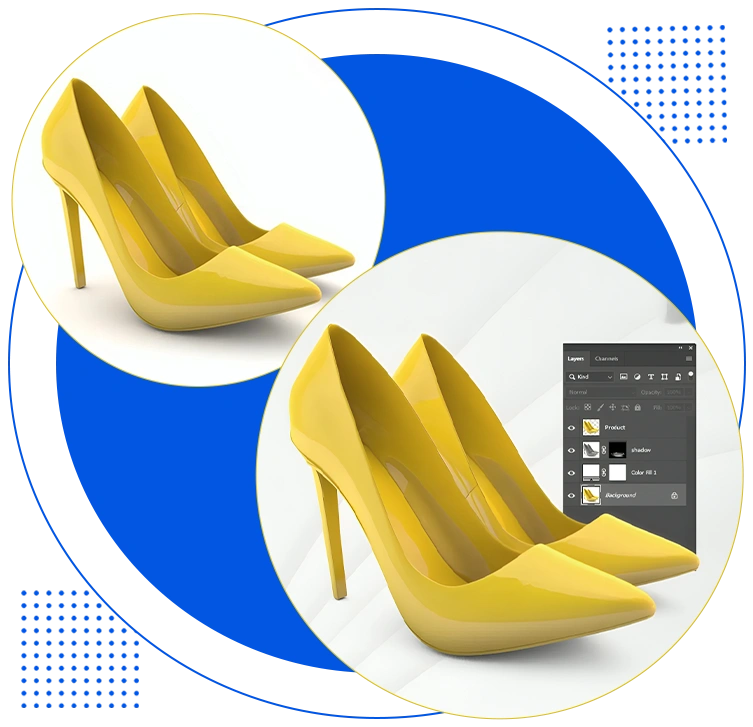
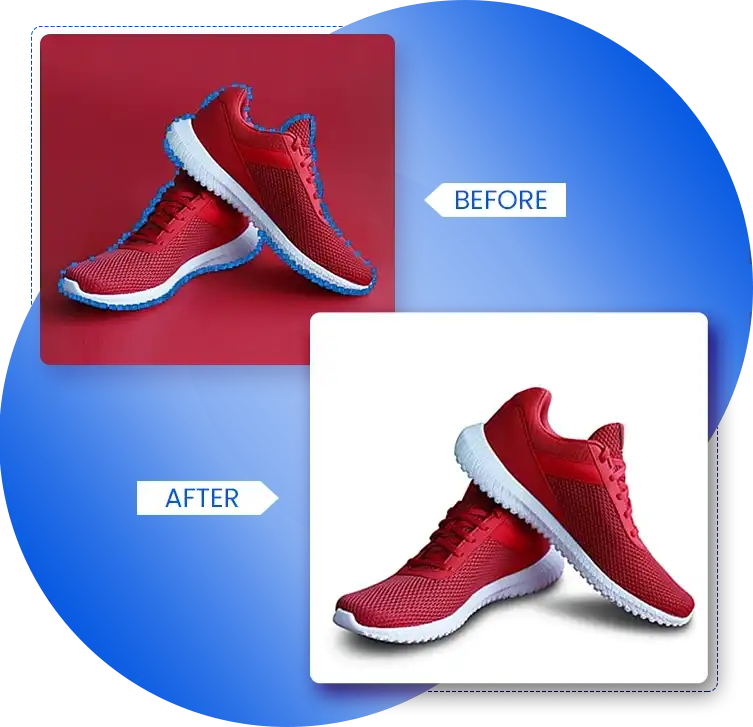
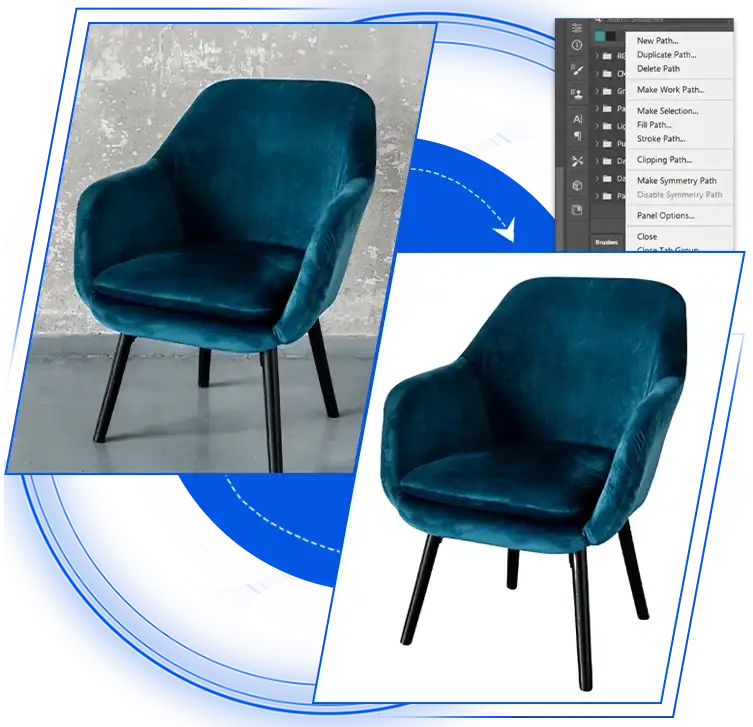
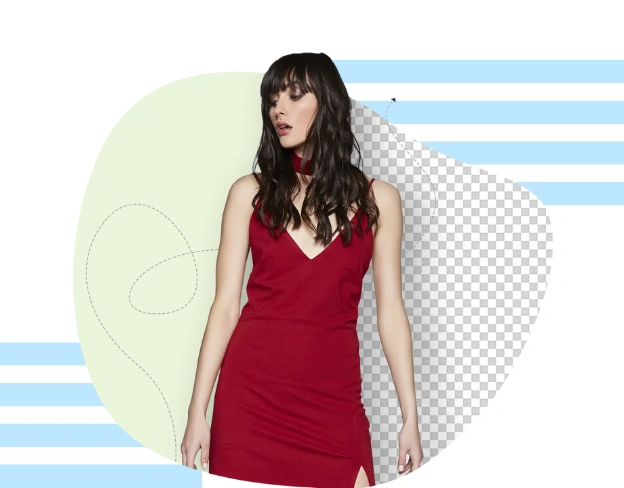
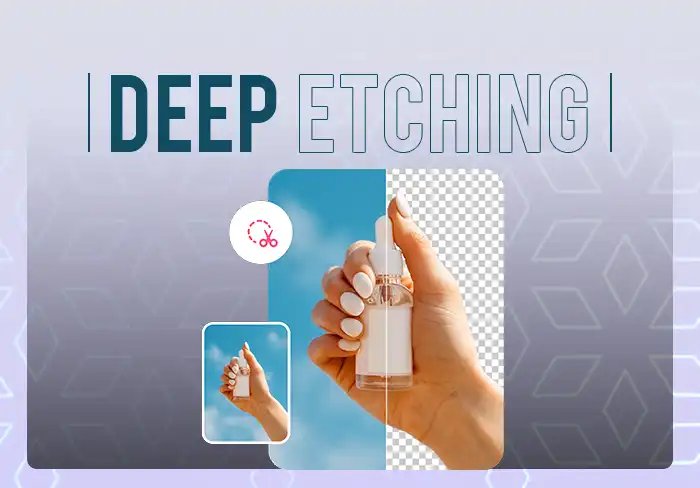
A clipping path is a closed path (outline) created with the Pen tool in Adobe Photoshop around an image. It’s what keeps everything inside that outline visible and removes everything outside, so that you have a clean-cut with no background to be seen.
Visuals Clipping is a top clipping path service provider that provides 100% manual Photoshop pen tool paths for all images rendered. Each anchor point is placed by hand and every curve is precisely located by our editors. This means that the resulting cutout is clean and of high quality, so it looks sharp in the 100%+ zoom-in Amazon listings, prints seamlessly at any size, and integrates nicely into any design workflow.
No AI. No shortcuts. We do not use AI selection tools, Magic Wand or background removal tools. Only the manual pen tool can create hand-drawn paths with precision that software cannot match, particularly when creating complicated shapes, delicate edges, and precision products where it is essential.
 100% Satisfied


Are you in need of high-quality photo clipping services? Look no further than us! Browse the before/after examples below to see the quality we deliver across each level.
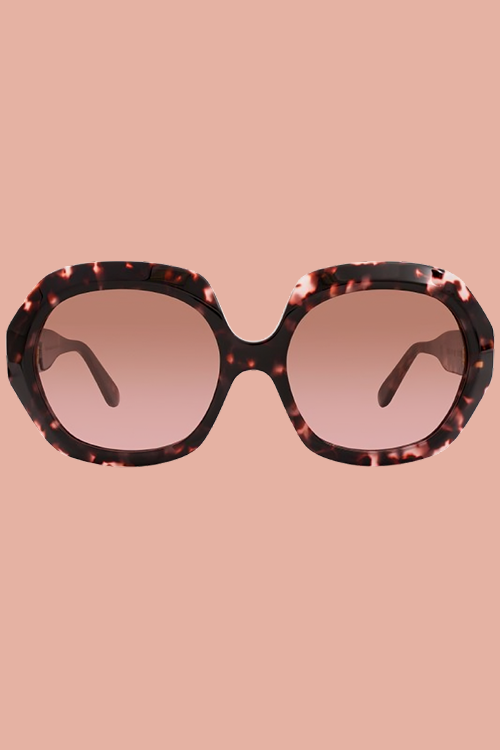
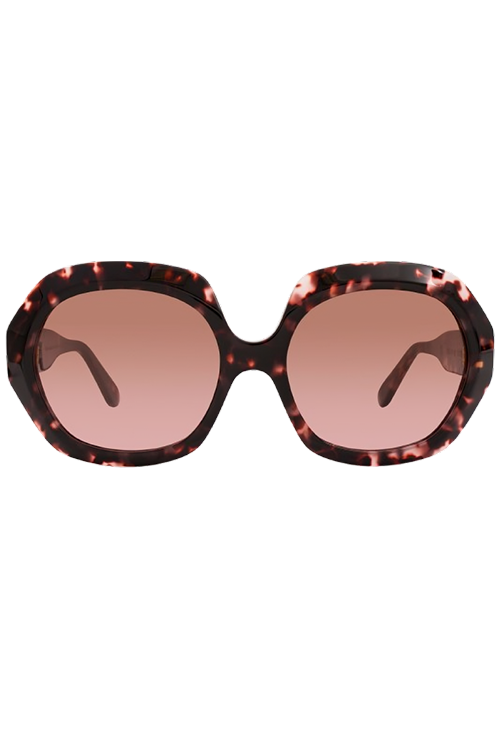
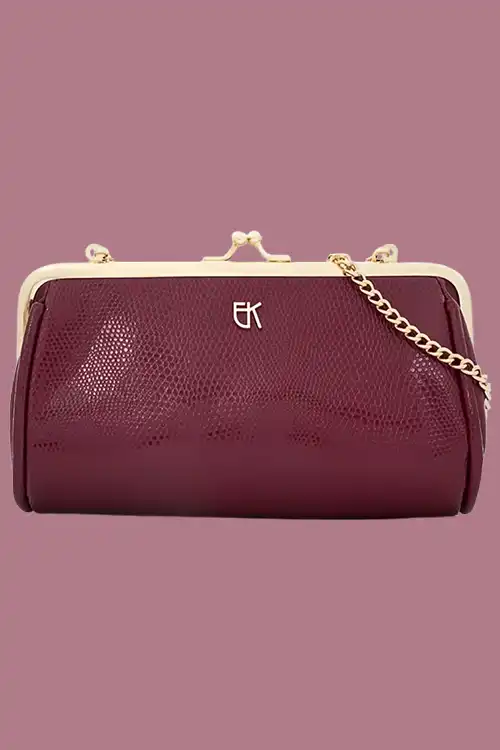
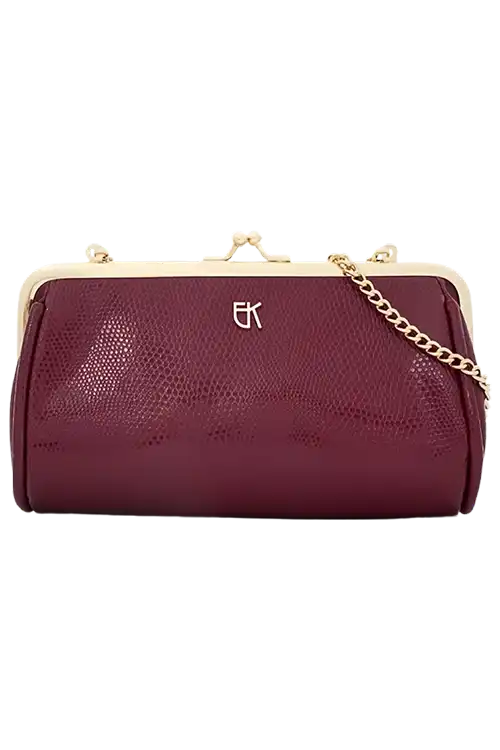
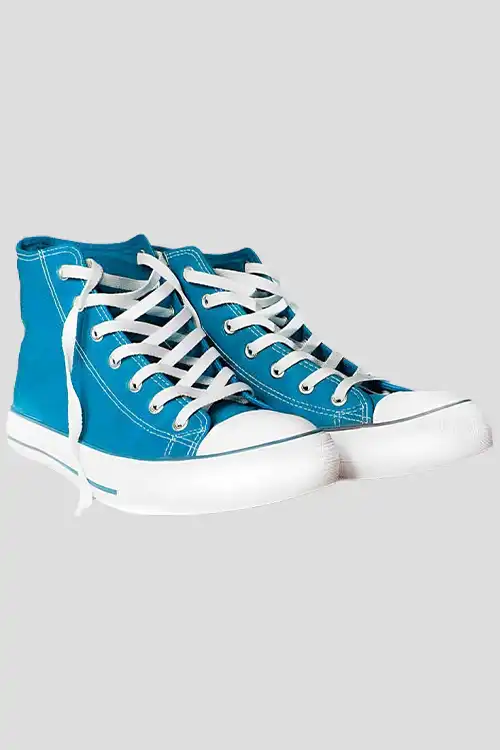
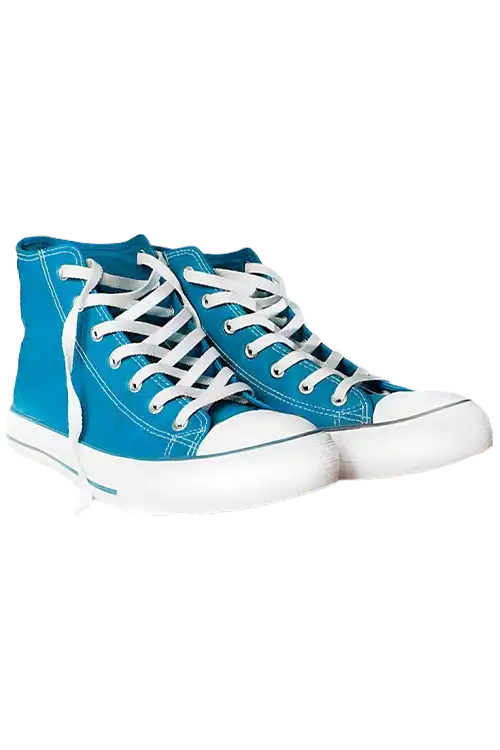
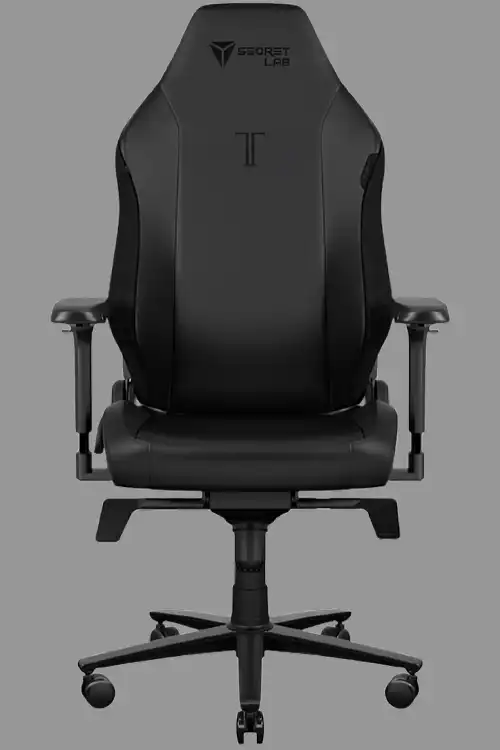
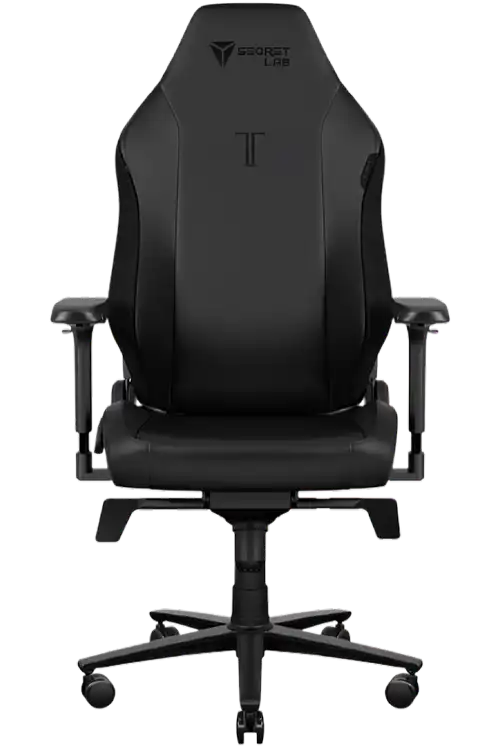
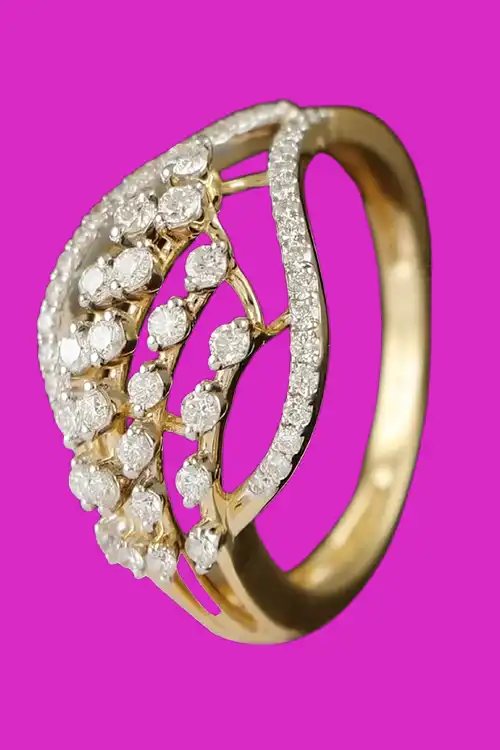
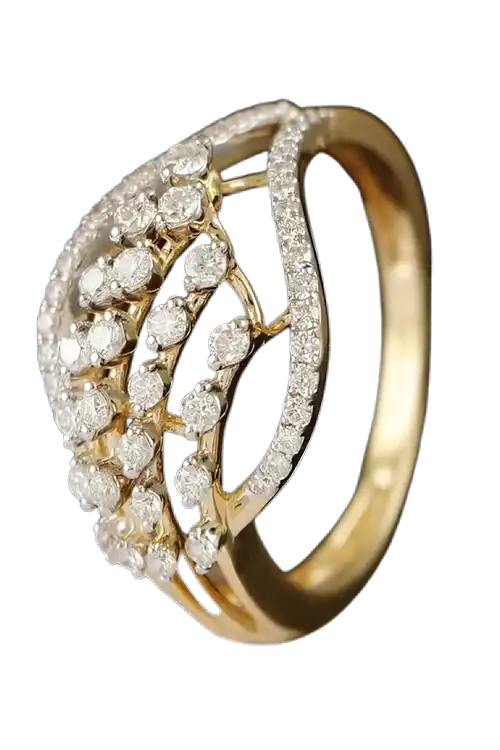
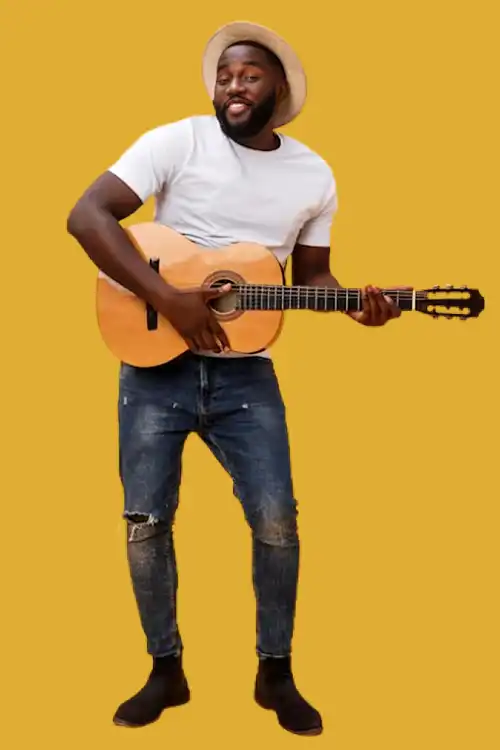
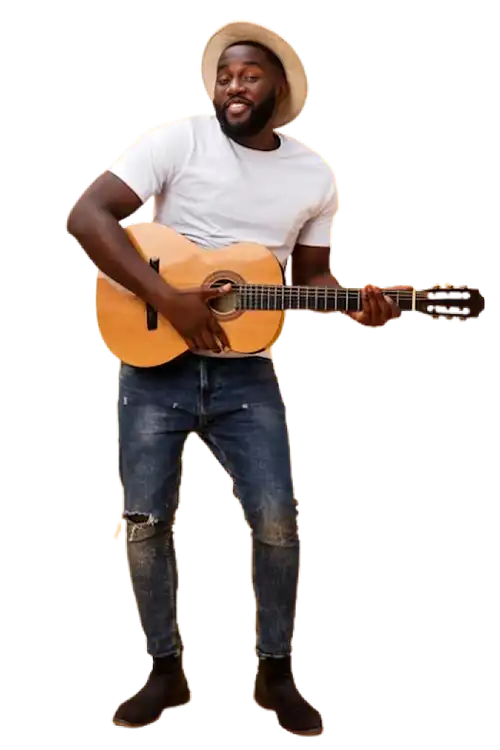
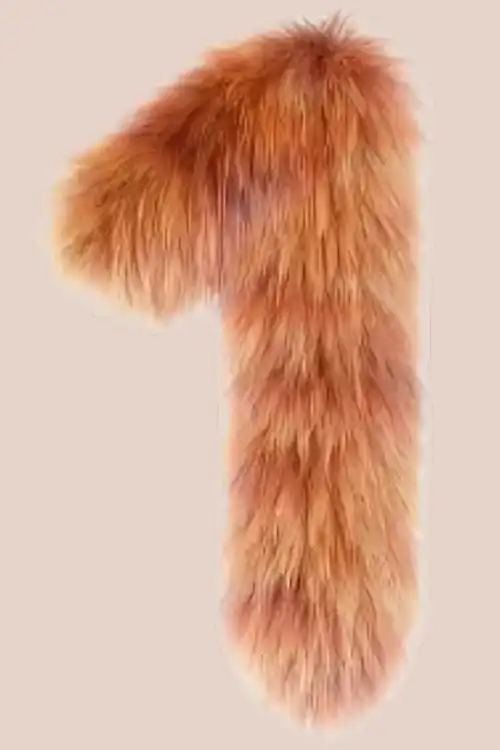
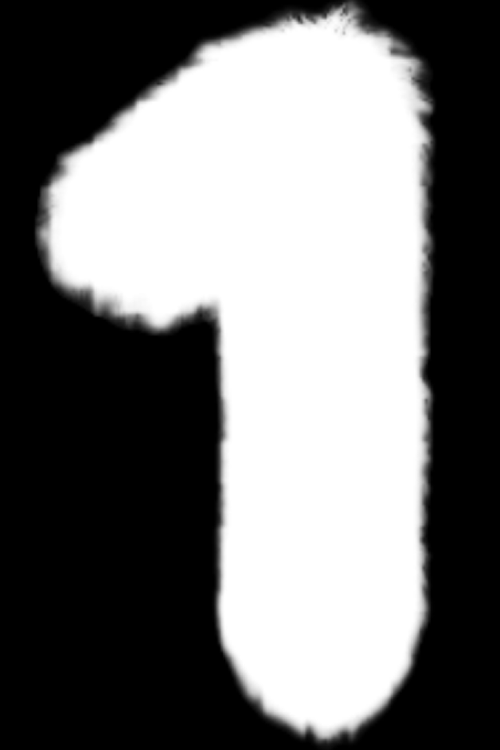
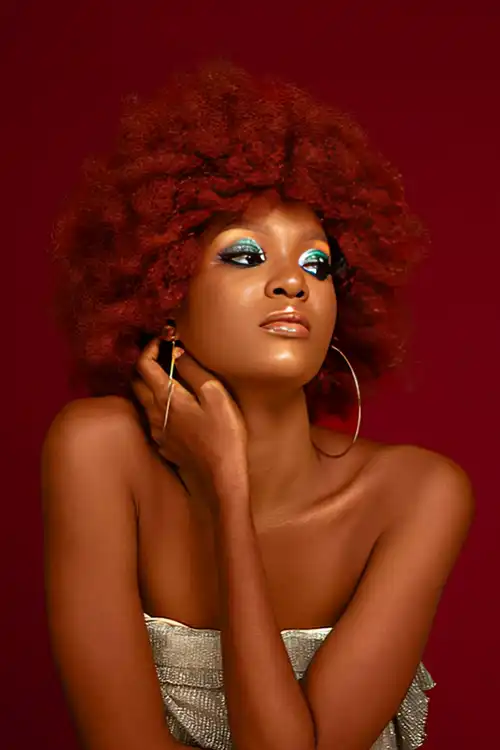
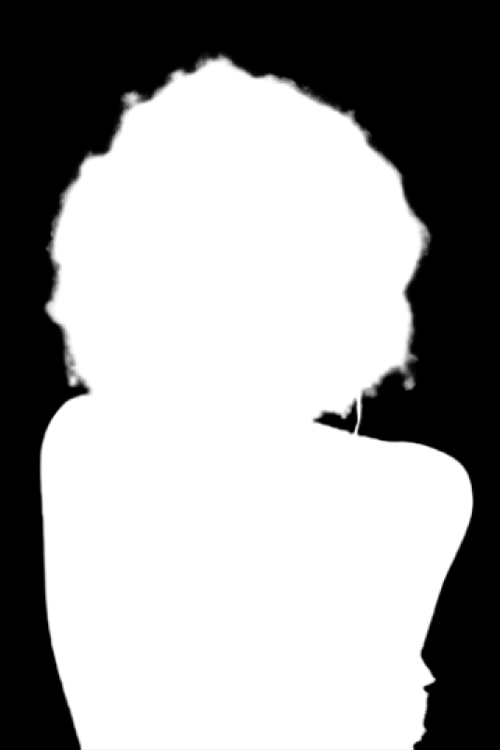

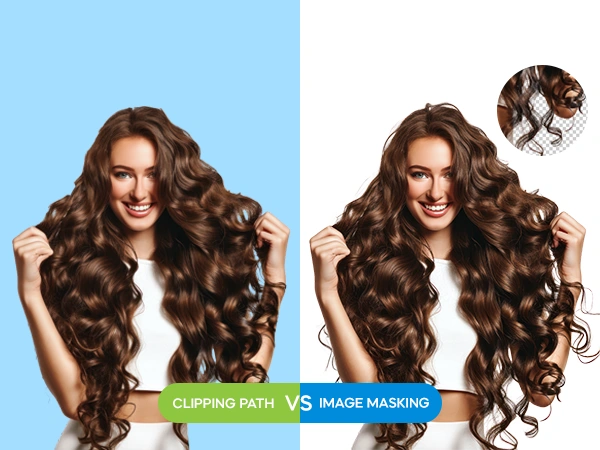
Clipping path services and image masking are similar, both isolate the subject from the background, but work differently and work best for different kinds of images.
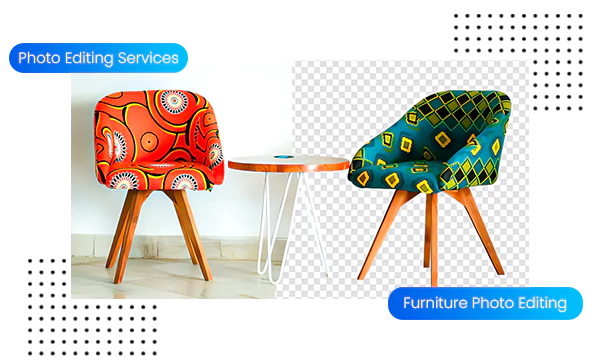
Use a clipping path service when the subject has well defined hard edges: product photography, furniture, electronics, packaging, footwear, and most e-commerce images. Clipping paths create clean, sharp, vector edges, which are ideal for any resolution and into any layout or design process
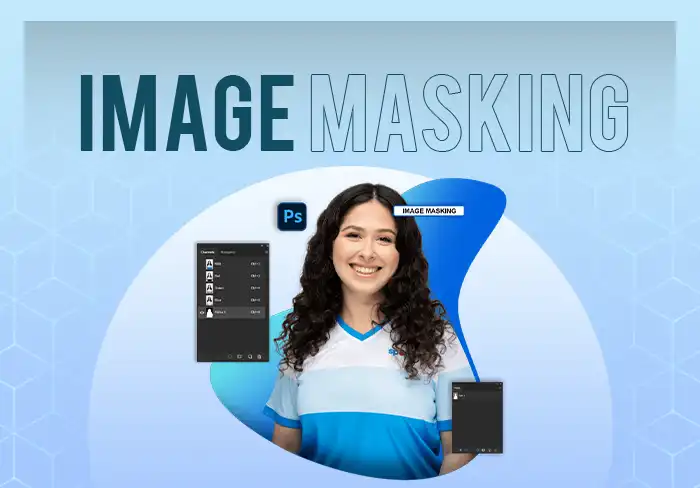
Use a image masking service when your subject has soft, complex, or semi-transparent edges such as portrait hair, fur, smoke, transparent fabric, glass, or feathers. The masking preserves these natural details without harsh or cut out look.
At Visuals Clipping, our editors evaluate each image and automatically apply the appropriate technique. We handle both in a single order if your image requires both, such as a product with hard edges and a reflective glass element.
Multiple clipping path (multi-path editing) is the technique used for creating multiple vector paths for each part of an image rather than the outer boundary of an image. This allows designers to have complete creative control over individual sections.
This helps e-commerce brands to save on shooting more expensive variants and make the product look different by changing the color, texture and background in post-production.
Detailed and precise paths individually created around each unique piece or color area of a particular image.

Re-coloring or adjusting of certain sections separately and leaving the rest of the image untouched.

Separate individual pieces of clothes or any products – sleeves, collars, straps, buckles, or trims for easy editing.

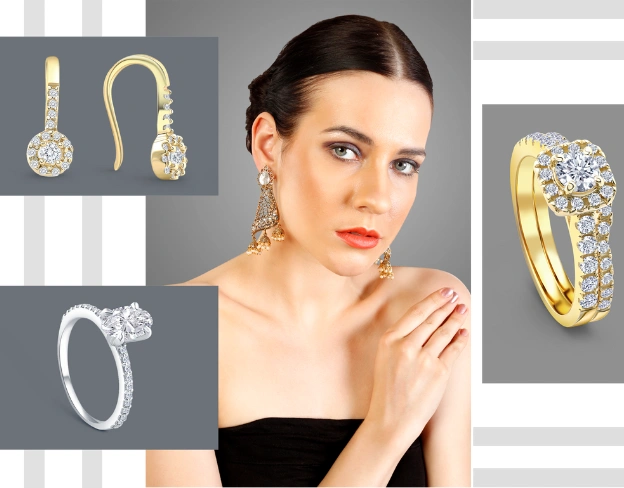
Isolate gems, prongs, rings, and metals to modify and adjust reflections and color for each individual piece.

Separate linings, prints, panels and logos to design a complete range of full color variants from a single image.

Adding realistic depth, drop shadows, or mirror reflections without changing anything else in the picture.

Any business using product or brand photography relies on clipping path service as a foundational post-production step.

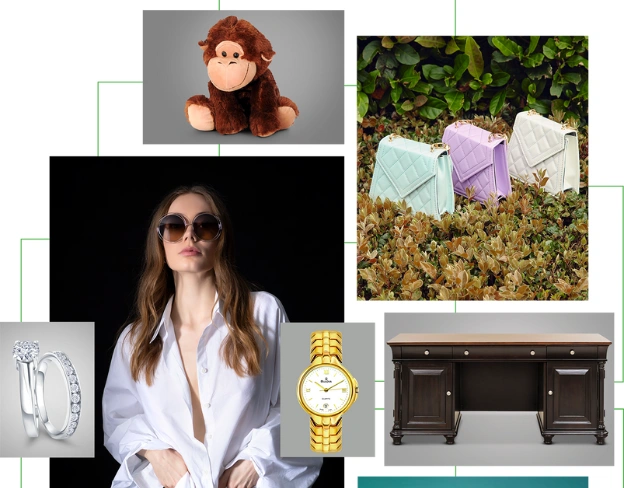
Precise cutouts for clothing, accessories, and footwear photos. Examples: dresses, jackets, handbags, belts, shoes, and seasonal fashion collections.

Luxury items require precision, pixel-perfect vector paths for jewelry items. Examples: rings, necklaces, bracelets, earrings, watches, and luxury accessories.

Cutouts that comply with all marketplace standards for Amazon, Shopify, eBay, Etsy. Examples: electronics, packaged goods, toys, kitchenware, and consumer products.

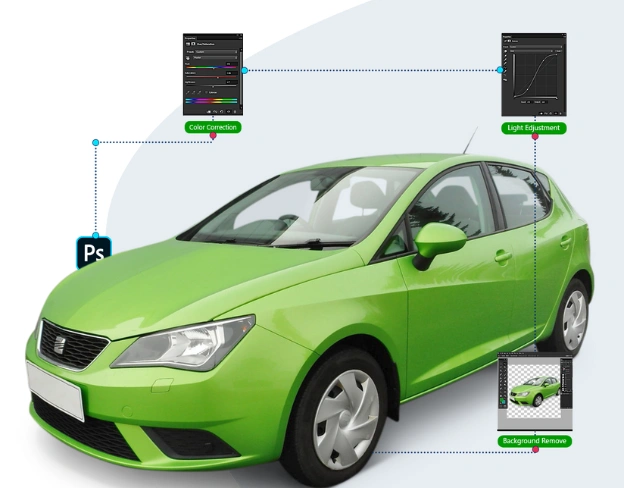
Sharp, professional cutouts for vehicles. Examples: cars, motorcycles, spare parts, tyres, wheels, and dealership inventory images.

Reliable, high-volume batch image processing for commercial photographers. Examples: headshots, events, sports, commercial product shoots, and catalogue photography.

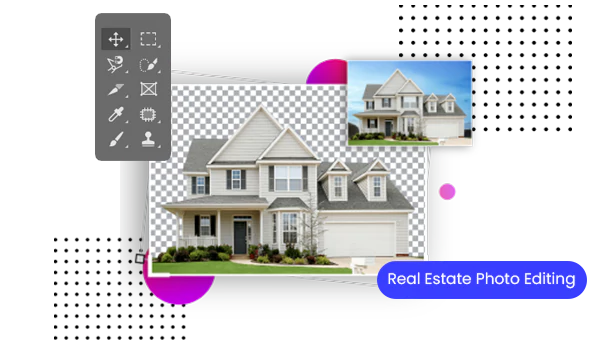
Isolating buildings and property assets for listings. Examples: furniture, décor, building facades, and interior staging items.

High-resolution, print-ready paths. Examples: book covers, magazine layouts, product catalogues, and advertising print assets.

Clean cutouts for packaged consumer goods in retail & trade marketing. Examples: food packaging, beverage cans, personal care, and household products.
Our photo clipping services are 100% hand-drawn using the Photoshop Pen Tool, categorised by image complexity and detail level:
Designed for simple geometric objects with smooth, straight, or slightly curved edges (e.g., books, smartphones, boxes, and single bottles). Quick, clean background removal for standard e-commerce listings.
For products with more curves, multiple inner cutouts, or grouped products such as handbags, footwear, simple furniture, group products, and kitchen appliances.
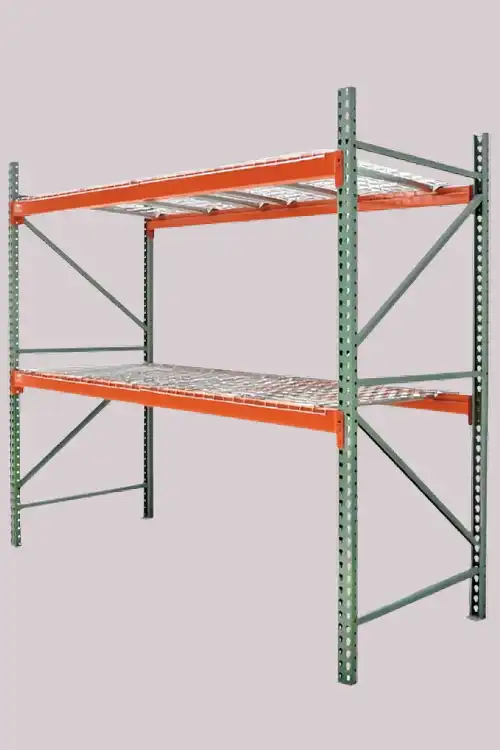
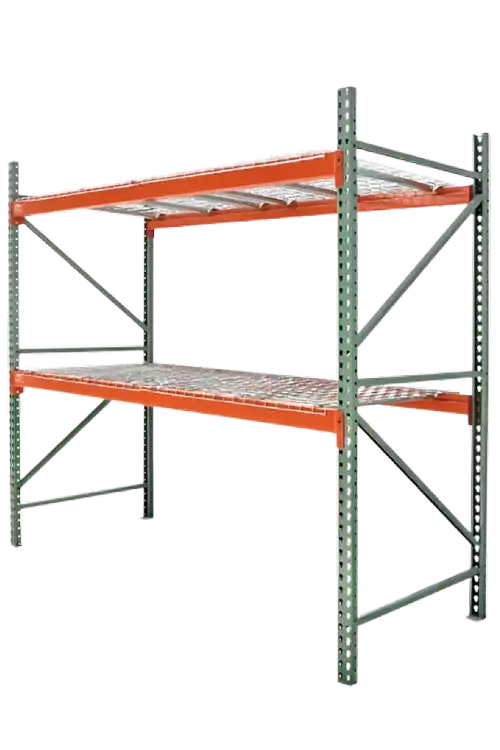
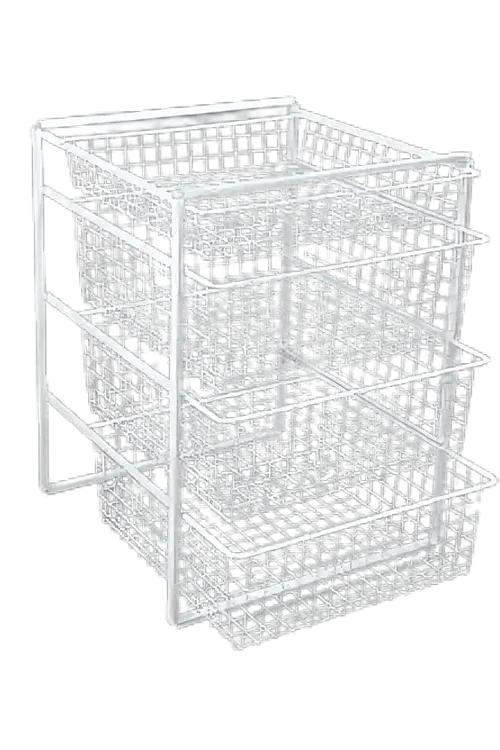
Precision vector tracing for intricate items with numerous cutout areas, complex curves, or fine details (e.g., bicycles, wireware, intricate jewelry, chains, and detailed apparel).
Micro-precision vector paths for very fine details such as heavy machinery, fence netting, chandelier lighting, and complicated filigree jewelry, with hundreds of anchor points per image.
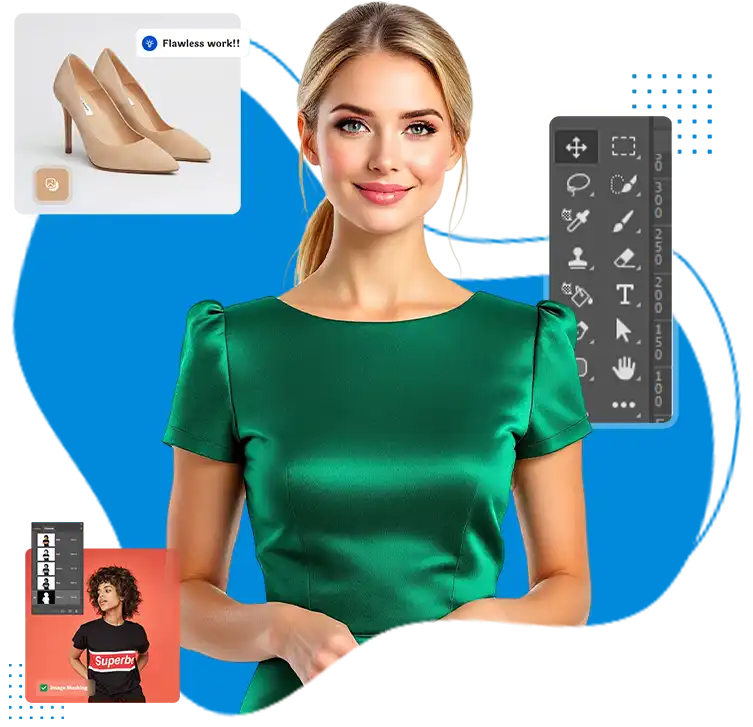
Isolating individual components from the same image and creating independent vector paths for elements such as sleeves, collars, gemstones or straps. A key feature for color swapping, isolation and variant creation without re-shooting.
If the subject requires more than just vector clipping paths, like hair, fur, transparent glass or sheer fabrics, then we use advanced alpha channel and layer masking to isolate them naturally and softly.
Transparent per-image pricing. Pick the complexity that matches your photos — no contracts, no minimums.
The hand-drawn Pen Tool path vs automated selection isn’t so much different until you zoom in or head to print. Here is why top brands choose Visuals Clipping as their clipping path provider for image post-production:
 100% Hand-Drawn Precision
No AI auto-selections or Magic Wand shortcuts. Every anchor point is manually placed using Photoshop Pen Tool for smooth, flawless Bezier curves.
 Two-Stage QA Before Every Delivery
Each image is checked by the editing specialist, followed by a senior QA editor prior to you receiving it. This is what gives us our 99.5% first-pass approval rate, not cutting corners at speed.
 Specialist Editors, Not Generalists
Our clipping path team works exclusively on clipping and masking — not switching between services. General post-production teams don’t have the level of precision that the editors who work all day in one technique have.
 From $0.25 — Transparent, No Hidden Fees
Transparent and public per-image pricing. No setup fee, no file format surcharge, no rush delivery surcharge for standard orders. The prices displayed in the pricing table are the ones that will show up on your invoice.
 All File Formats Included
We deliver in PNG, PSD, TIFF, JPEG, EPS, and AI — your choice, at no extra cost. Even complex multi-path orders that other providers charge extra for includes EPS and AI vector files.
 Scales From 1 Image to 10,000
We process over 5,000+ images a day for all of our services. From a single test image to a complete product launch catalogue, each batch receives the same expert attention and is delivered at the same time.
Five steps from upload to delivery – typically completed within 12 hours.
 Upload Images
Send JPEG, PNG, TIFF, PSD, or RAW files via web, Dropbox, Drive, or WeTransfer with your style instructions.
15-Minute Quote
Receive a transparent, flat-rate quote and turnaround estimate before production process starts.
 Hand-Drawn Editing & Dual QA
100% manual photo clipping path service, with a 2-stage quality check, guarantees 99.5% accuracy prior to release.
 12–24 Hour Delivery
Get your print and web ready assets on time with a 3-hour express delivery option available.
 Free Revisions
Enjoy free unlimited tweaks returned in under 4 hours until you are completely satisfied.
 Testimonials
I have used numerous image-clipping services in the past but never thought Visuals Clipping could match that level of precision and efficiency. All the efforts made by the experts resulted in perfect, clean, and sharp images with keen attention to detail for perfection. Even with the bulk orders and tight deadlines, Visuals Clipping has always served the best quality services to me. Moreover, they also excel at effectively handling their customers’ queries with the combined efforts of the expert team. The quality of service is clearly visible in the difference between before and after images.

As a professional photographer, post-editing is the hardest and most time-consuming task. By associating with the image clipping services of Visuals Clipping, I have witnessed incredible changes in my clicked pictures. With a precise focus on the quality of services and their turnaround time, I have always gotten commendable results. Whether it is about simple, complex, or super complex, they have always delivered me with their flawless services. Their expert team ensures my images meet the highest standards, perfectly meeting my expectations.

A high-quality product image is a priority for attracting the target audience, and the image clipping services of Visuals Clipping never disappoint and lack in serving the best to the customers. By blending creativity with the expertise of their professionals, I witnessed a great leap in my business that significantly improved my leads. Whether the request is for a small number of images or bulk demand, they always deliver on time while keeping deadlines in consideration.

As the owner of a fashion brand, I needed a large batch of images clipped for a campaign, and Visuals Clipping delivered beyond expectations. The images were processed with extreme perfection, especially in complex details like hair and soft edges. I was impressed with their turnaround time as I received my images within a few hours. If you are looking for quality at affordable pricing, this is the right choice.

How We Solve Problems
One of the most delicate tasks in photo editing and retouching is enhancing
Read More
We have boasted our rich foundation of affirmative portfolio, and among one of those
Read More
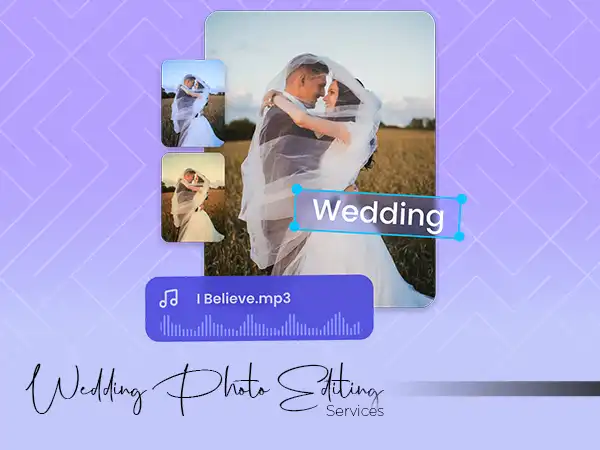
We had one of the most interesting interactions with one of the most prominent wedding photography firms
Read More
At Visuals Clipping every day is a new challenge, but this is something that turned out to be the most daunting project.
Read MoreAns: Clipping Path involves the Photoshop Pen Tool which is used to cut hard-edge objects (such as furniture, electronics or boxes) with a vector accuracy. Image Masking applies to soft or intricate edges (such as hair, fur or clear glass) on which hard line would appear unnatural. Most of the time we combine both techniques to achieve perfect results.
Ans: We strictly use 100% Hand-Drawn Clipping Paths created with the Adobe Photoshop Pen Tool. Our manual drawing generates smooth Bezier curves, without jagged edges and without missing interior gaps, unlike AI or Magic Wand-type tools, which generate jagged edges and miss interior gaps.
Ans: For standard orders (up to 500 images), our turnaround time is 12-24 hours. We also offer Rush Delivery (6-12 hours) for urgent deadlines. Our team is available 24/7 which means that it can handle more than 5,000 images in a day when handling large enterprise clients.
Ans: We can deliver files in any format you require. The most common formats
include:
JPG:The size of the file is minimal and the active path is stored in the paths
panel.
PNG:Transparent background and ready to be used on the web.
PSD/TIFF: Layered files with the subject separated from the background for
future editing.
Ans: For complex images with many internal holes (like bike spokes or chain links), we use multiple clipping paths. Each and every negative space is manually cut to make sure that the background is totally removed without affecting the product’s structure.
Ans: Yes. Upload up to 10 images and receive a fully edited free trial delivered within 12 hours – at no charge and with no payment details required. This is the best way to evaluate our quality on your specific images before placing a full order. Start your free trial here.